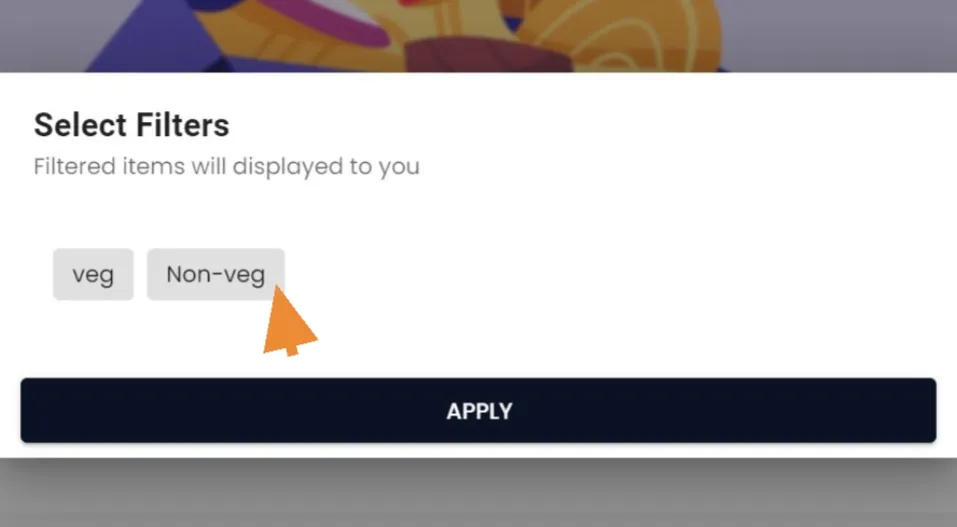
Add a label
How To Add A Label?
Navigate to your merchant panel
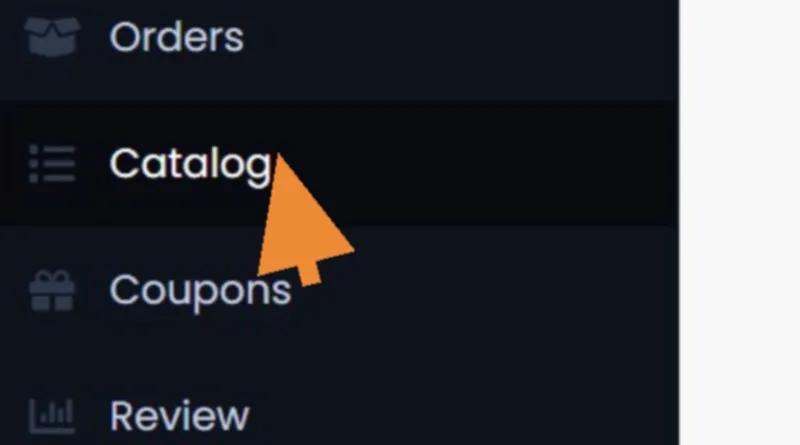
To the left, click on "Catalog
Then click "Label
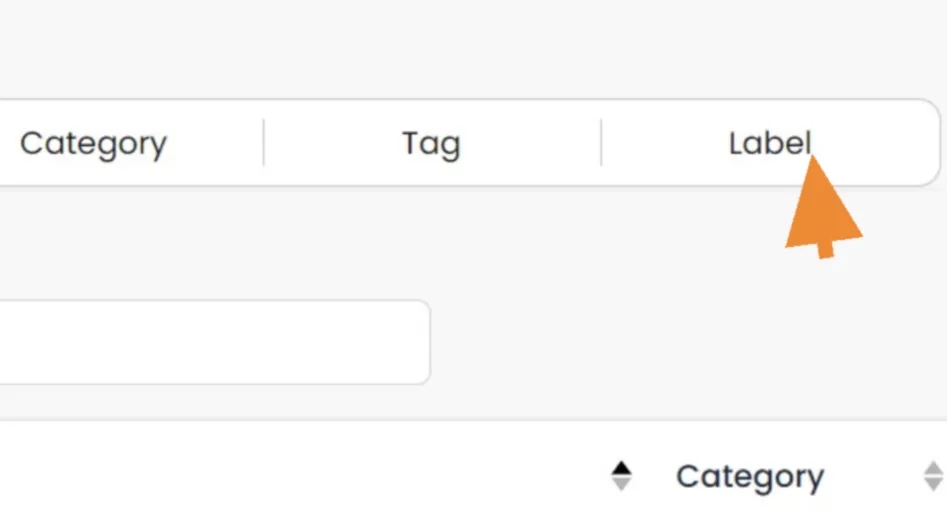
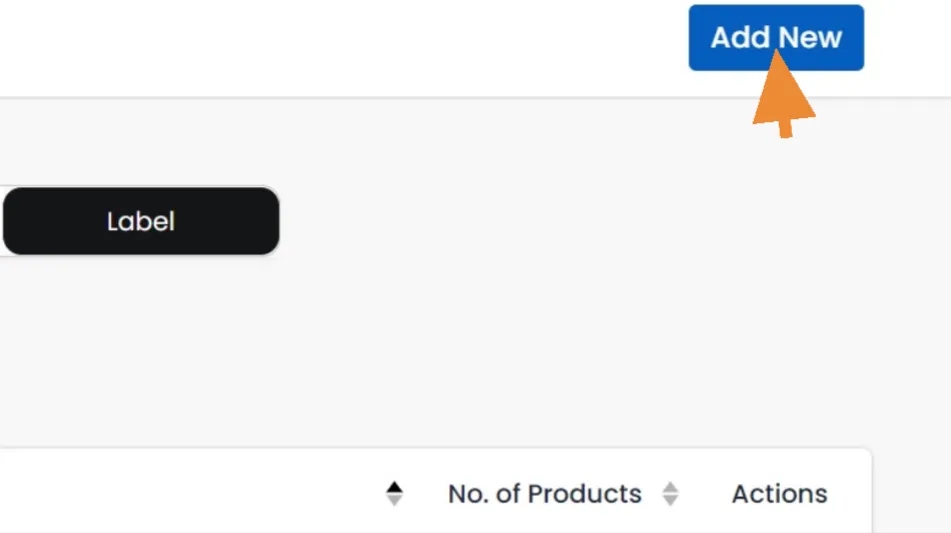
We are into the label list. To add, click "Add New"
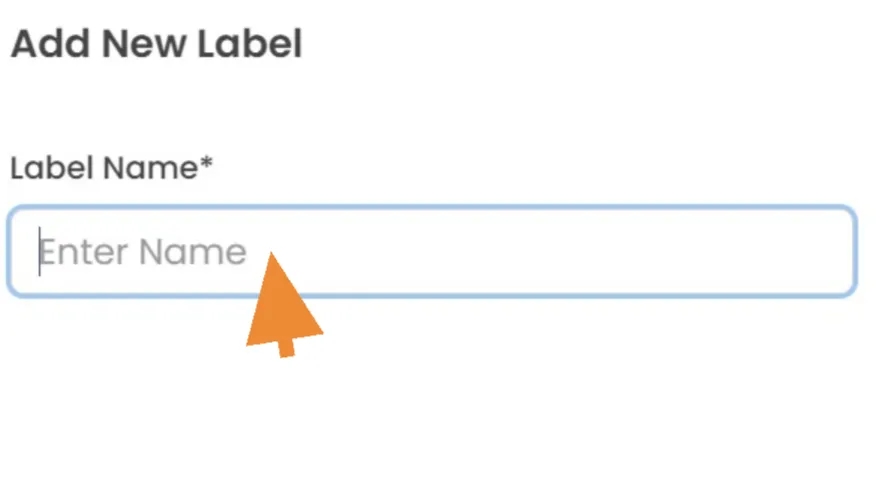
Enter the "Label Name"
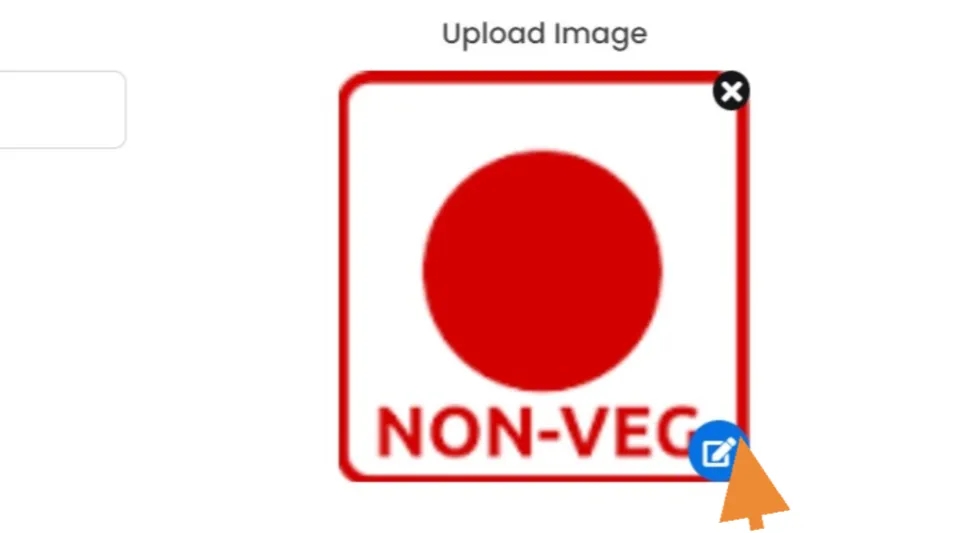
Then, upload "Image" as easily as dragging and dropping or selecting them from the computer