Add a product category
To the left, Click on "Catalog"
Then Move to the Category Tab
Click "Add New"
Add Product Category Info
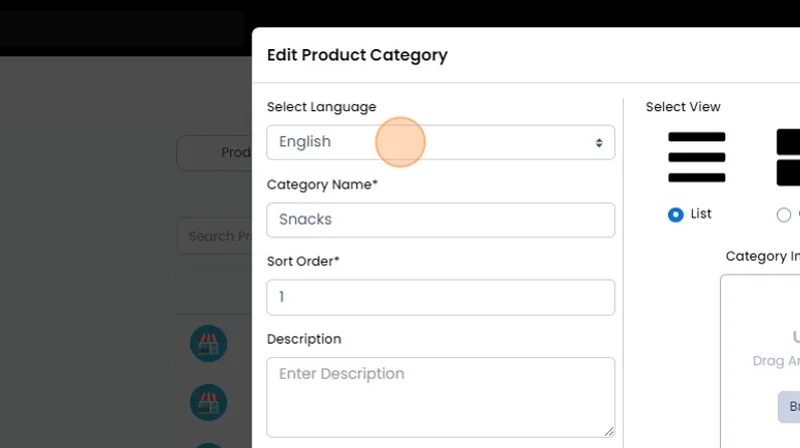
Language:
This feature allows you to present product category details in the customer's chosen language.
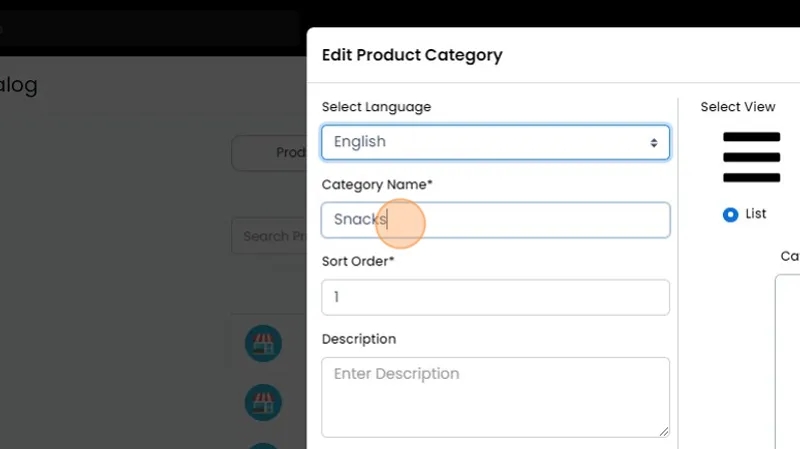
Category Name:
Enter the distinctive name of the product category that will be displayed to customers.
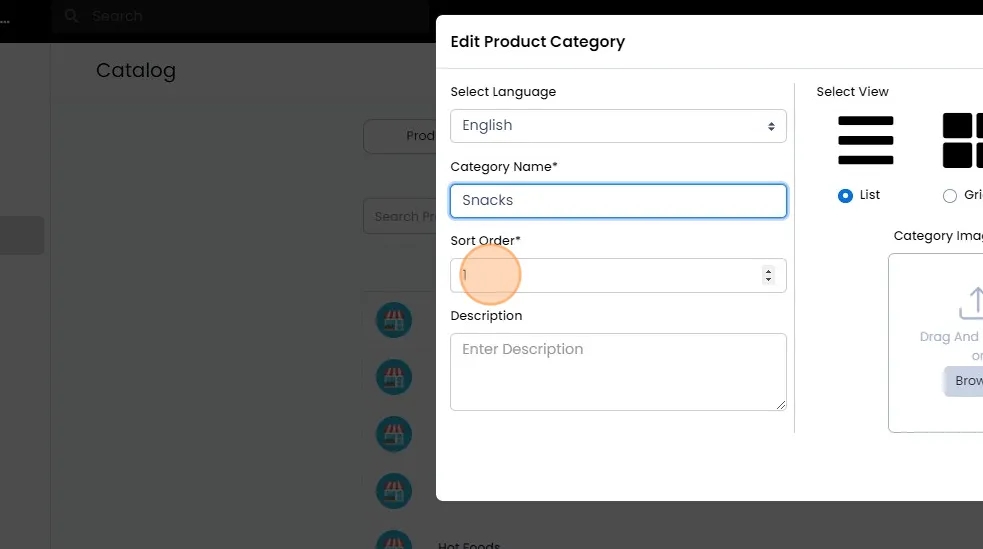
Sort Order:
Use this number for sorting purposes; the series starts from 0, arranging product categories & their listed products as 0, 1, 2, and so on.
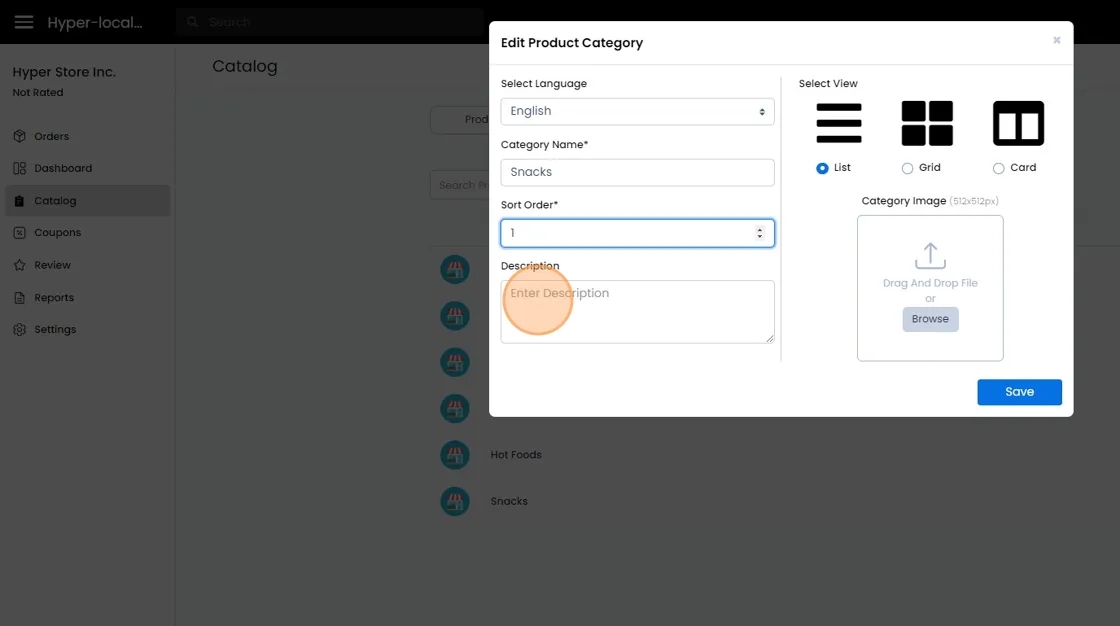
Product Category Description:
Briefly describe the products included in this category to help customers navigate effectively.
Select View:
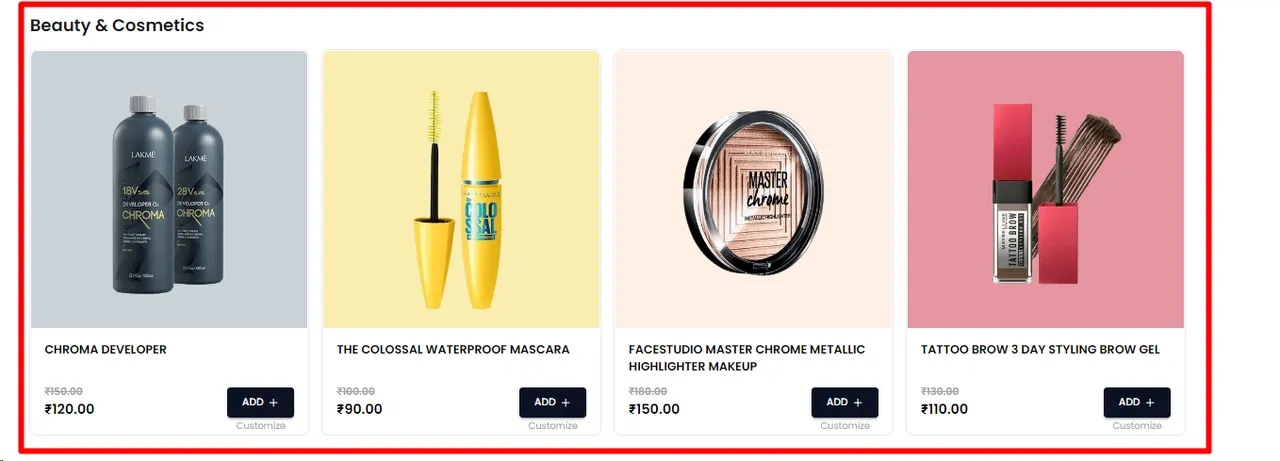
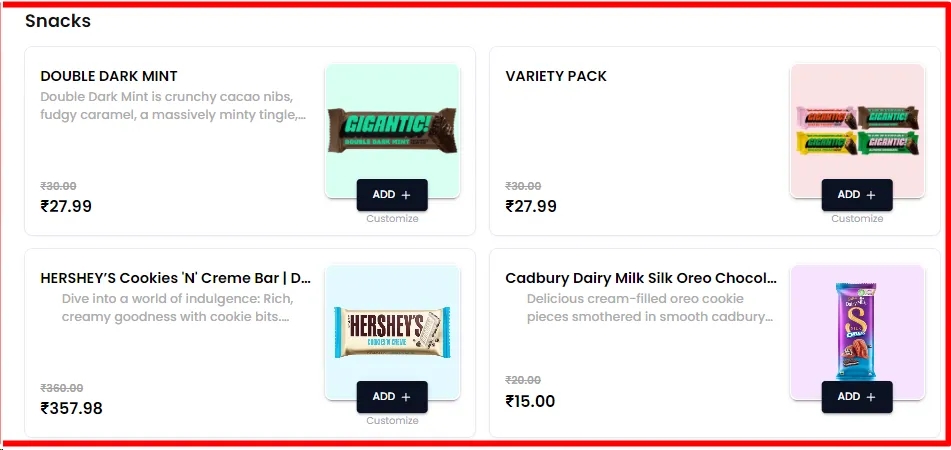
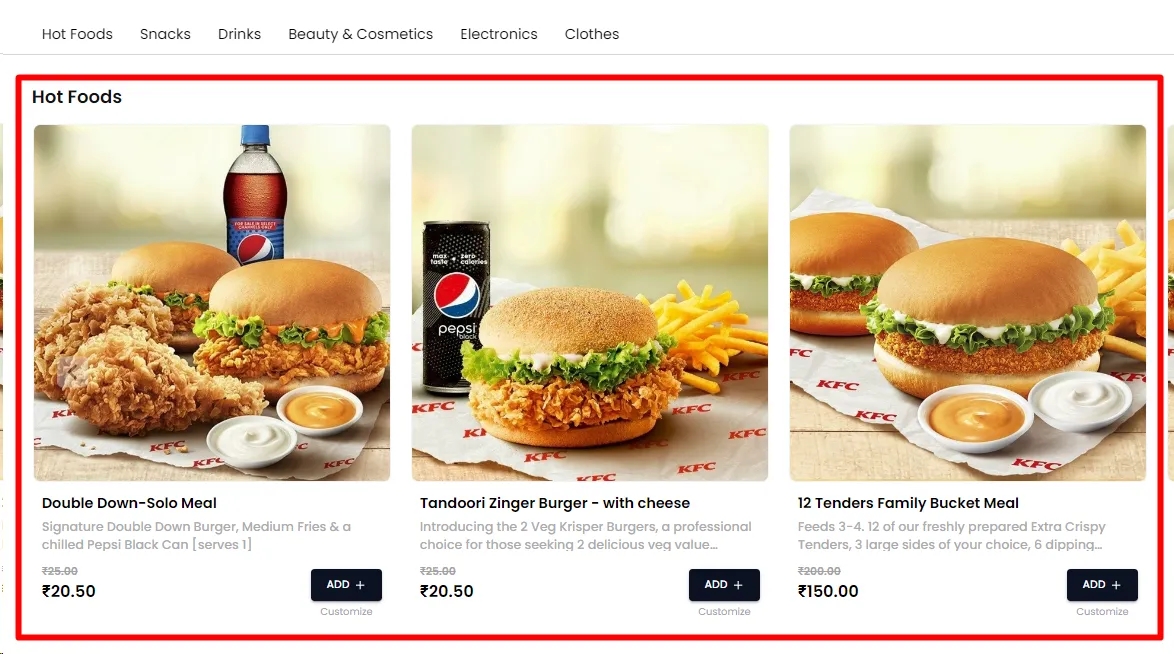
Determine the display type for your product category and its listed items, choosing between list, card, or grid view.
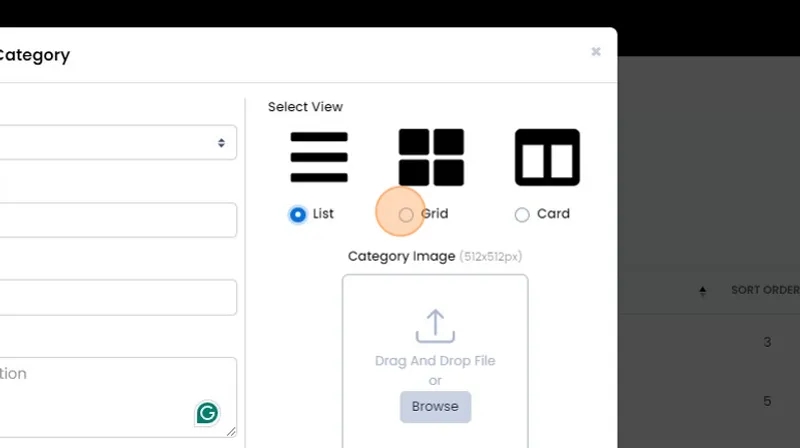
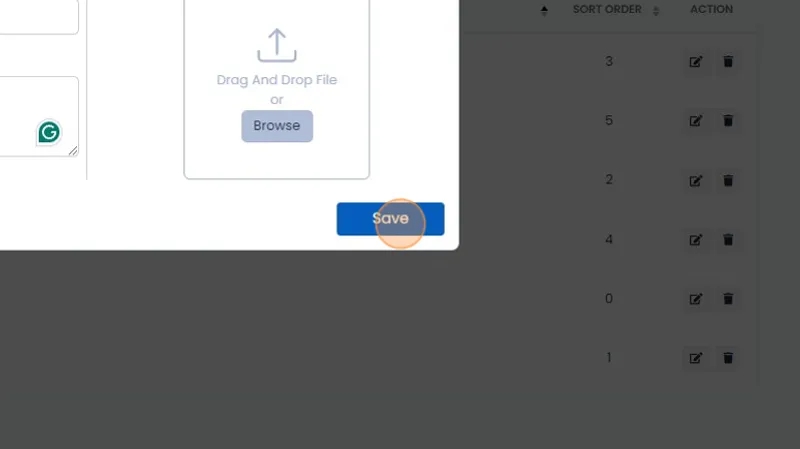
Image:
Add an image for this product category. The required resolution is 512x512 pixels.
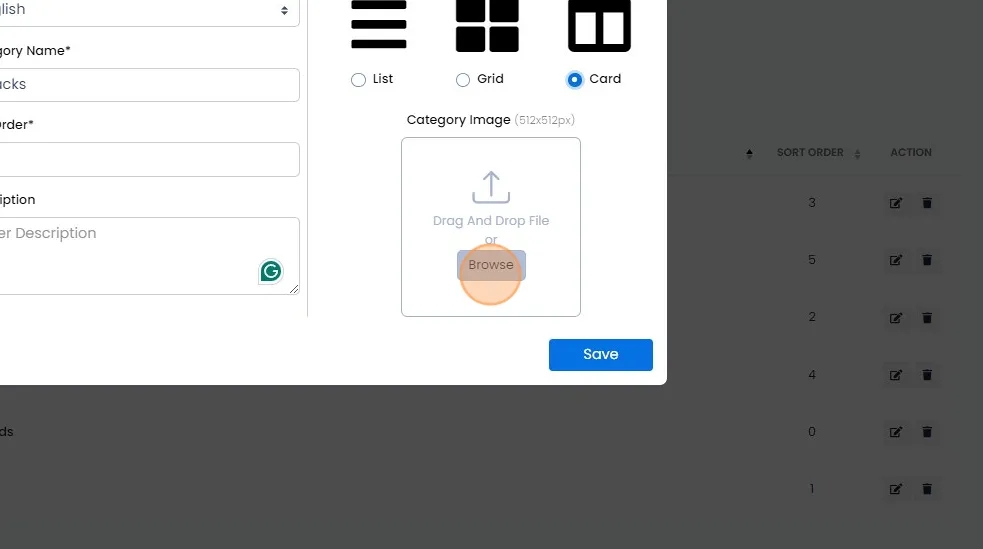
Finally, click the "Save" button to add the product category, and it will be available in the select list when adding products.