Product Options
Product Option allows you to offer different options for your product, such as sizes, colors, extras, addon products, or even build product packages, providing customers with customizable choices.
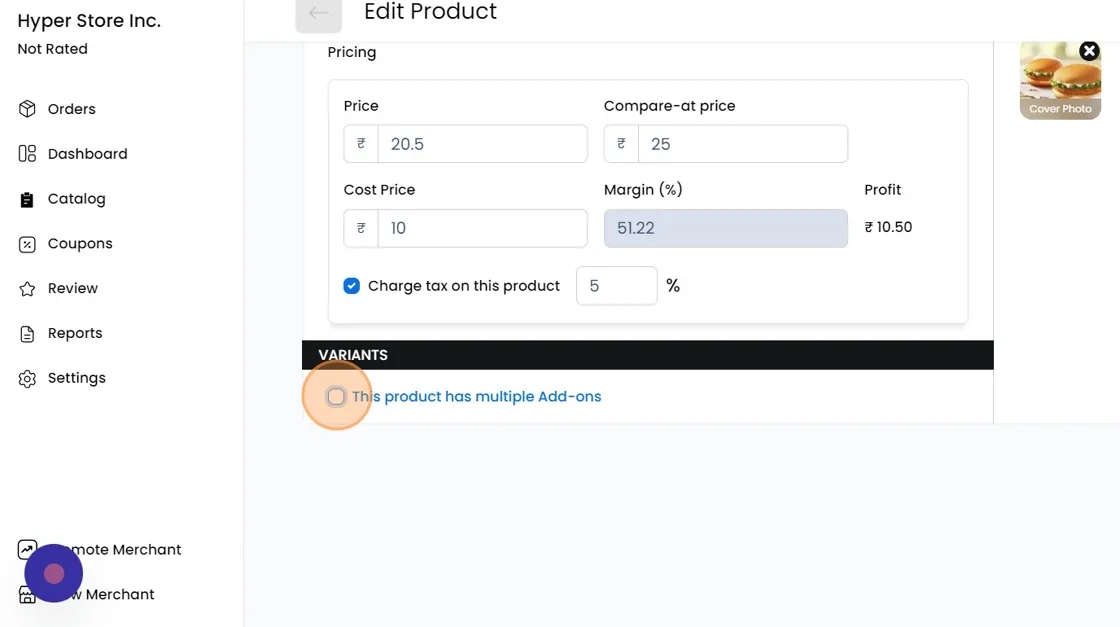
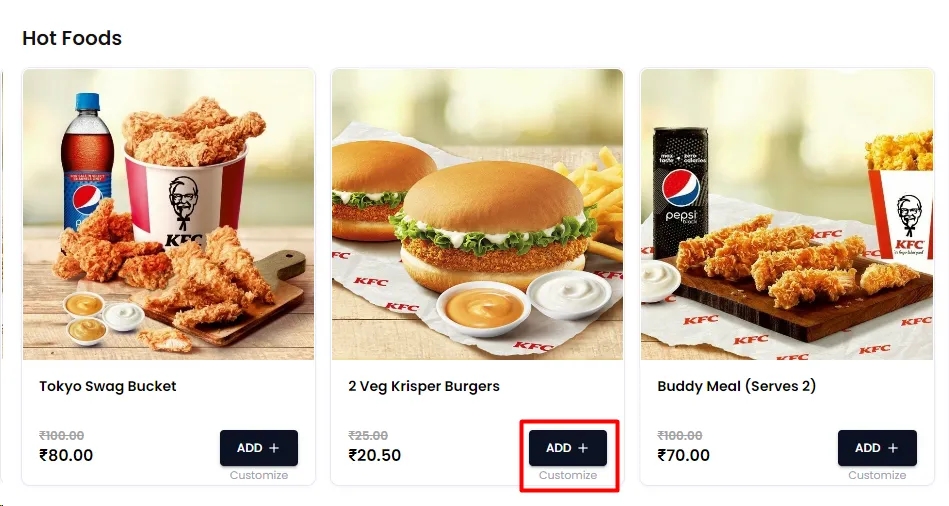
Option Name: Enter the name of the option, such as "Choose your Sauce."
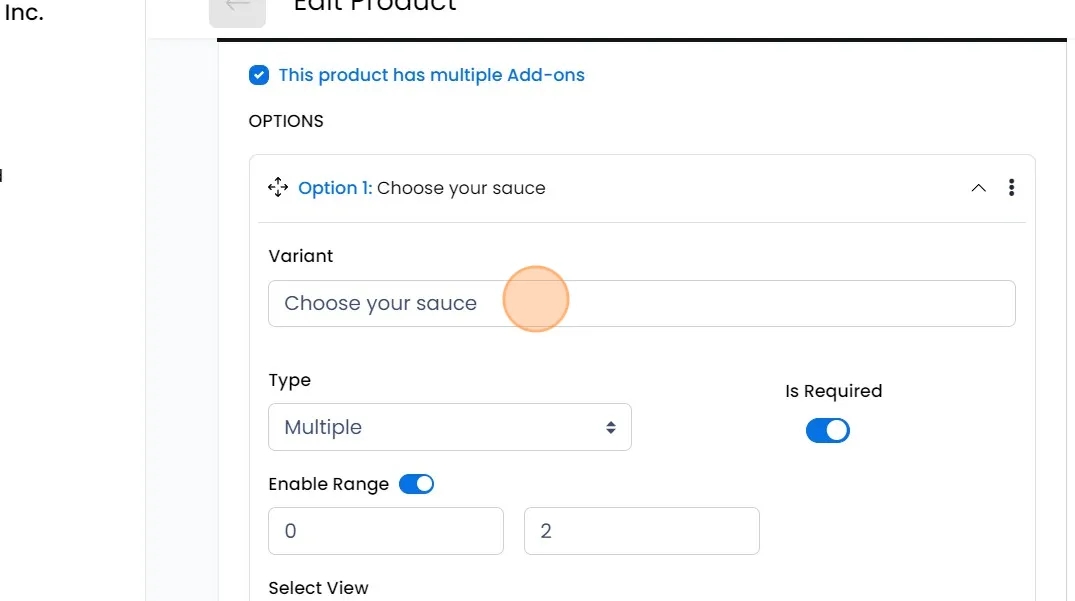
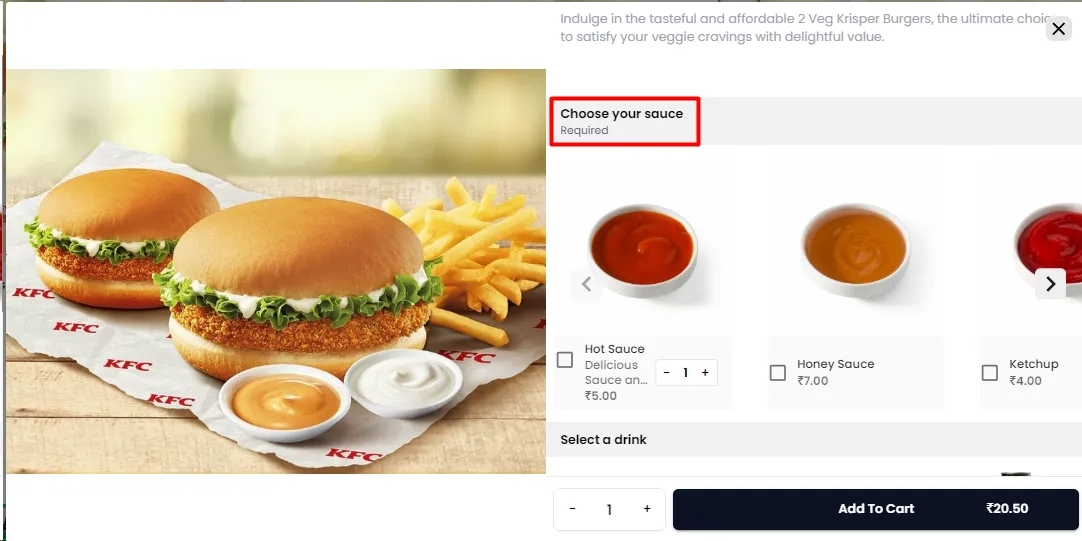
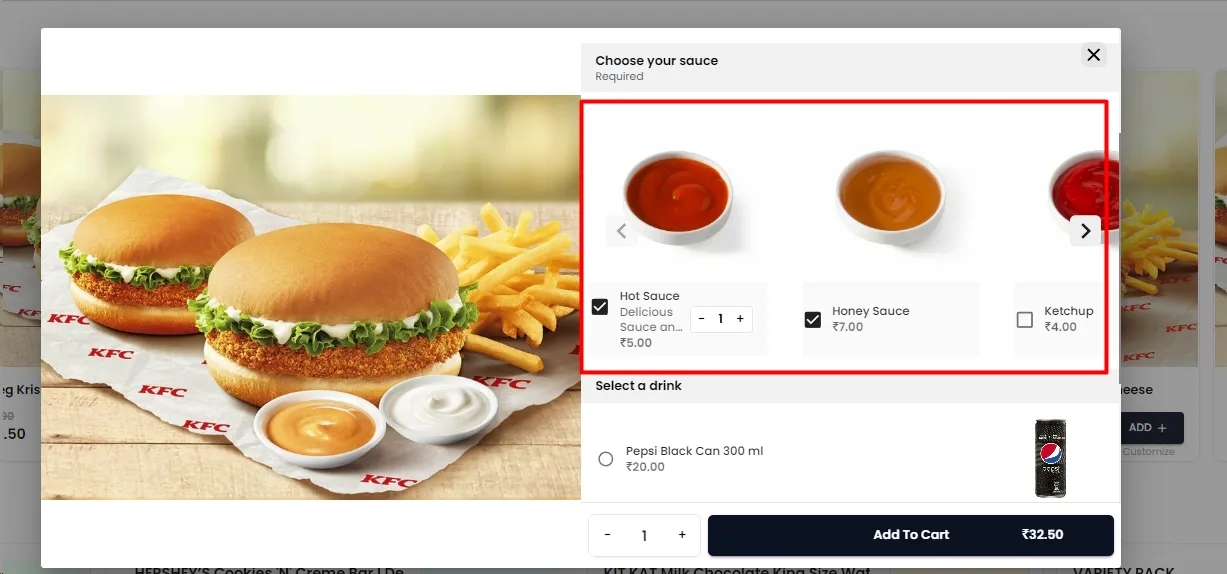
Type: Choose between Single or Multiple to determine if customers can select only one variant or multiple variants for the option.
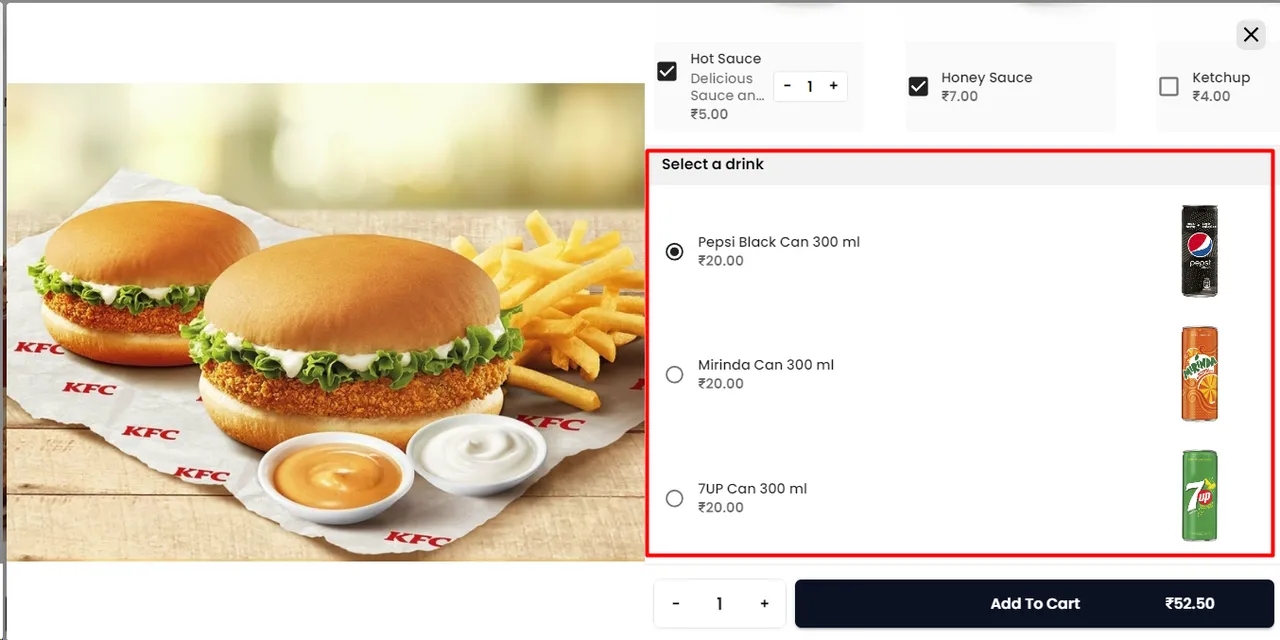
Required: Enable or disable to indicate whether it's mandatory for customers to choose from this option to add the product to their cart.
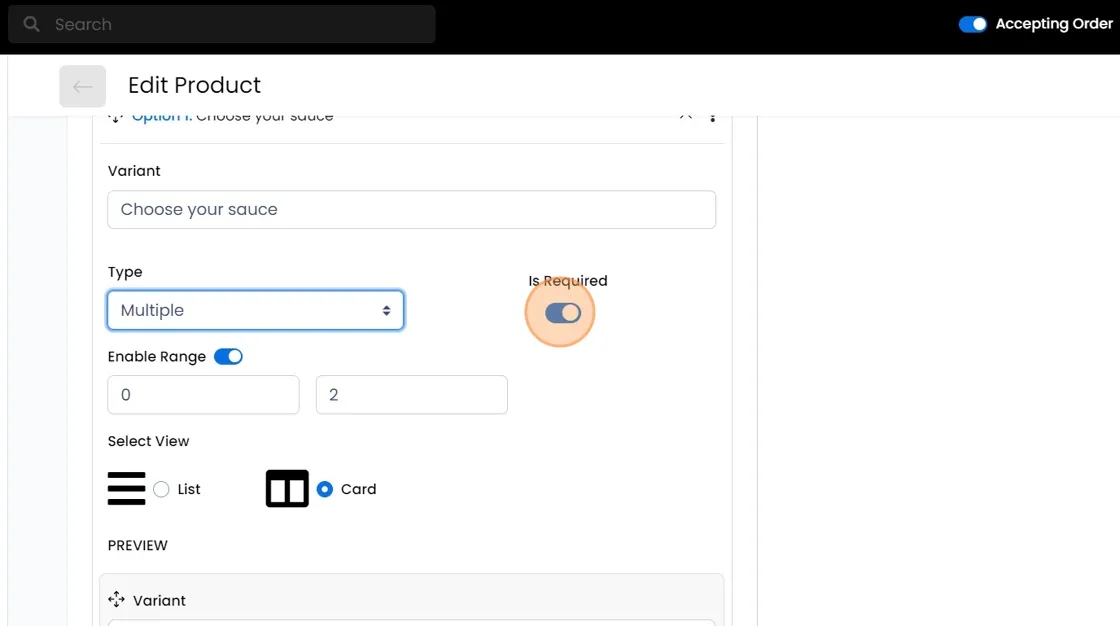
Enable Range: Enable this option to set a picking range if the type is set to multiple. For instance, if the Range is set to minimum 2 and maximum 3, and there are 10 variants of this option, customers need to select at least 2 and up to 3 variants.
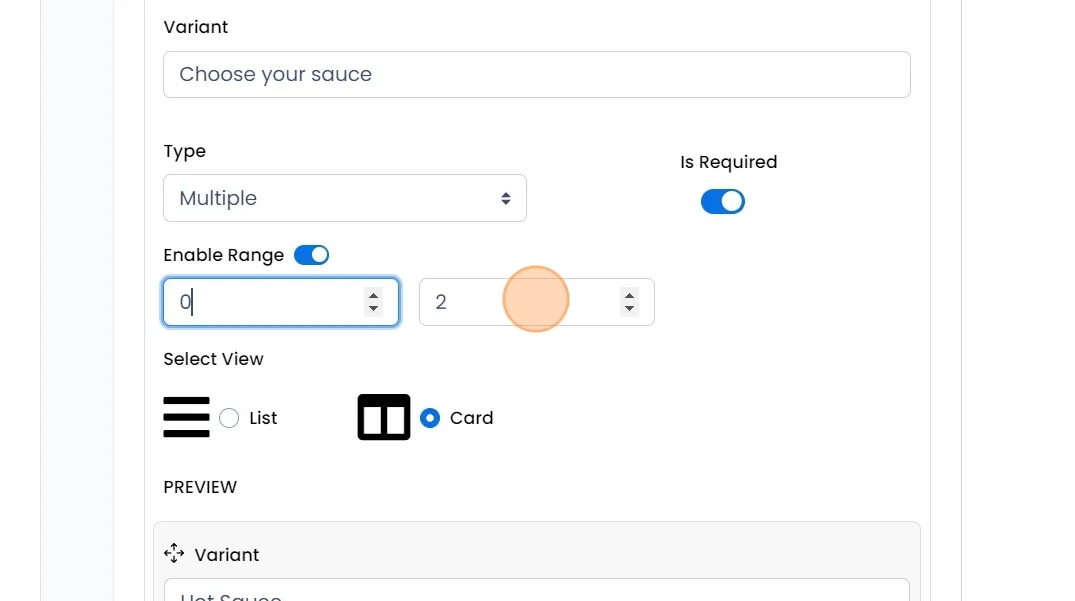
Select View: Decide the display type for your Option variants, whether it's a list or a card view.
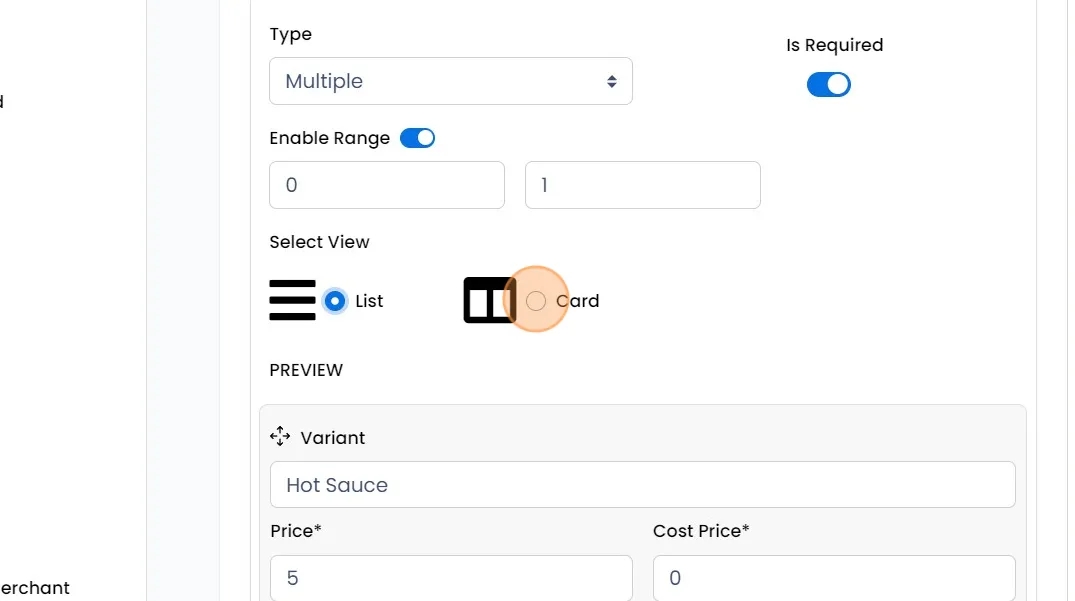
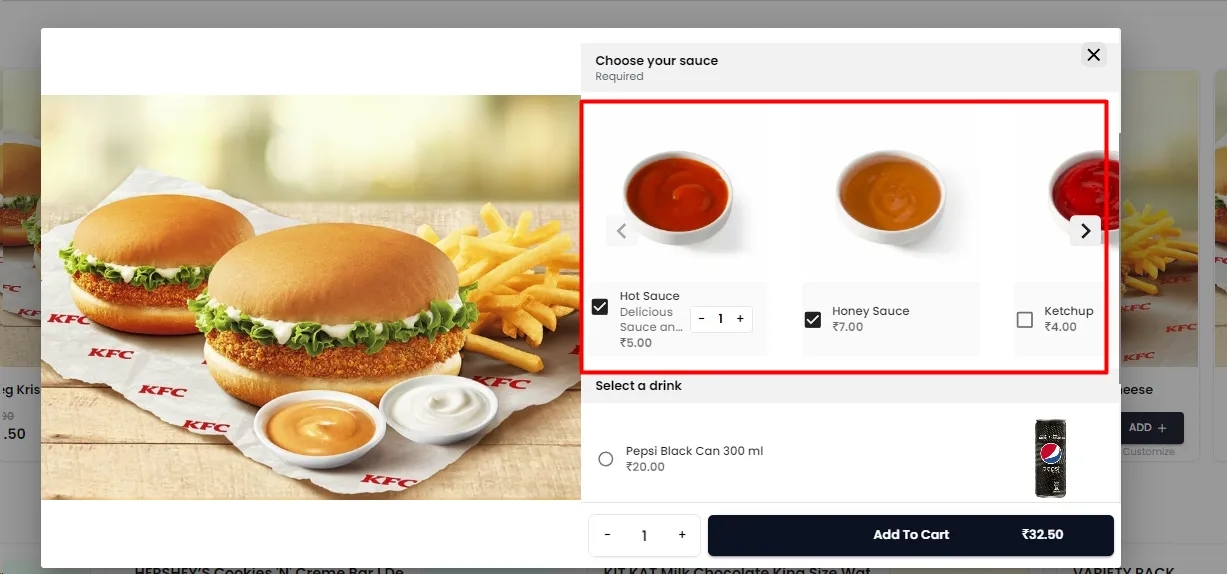
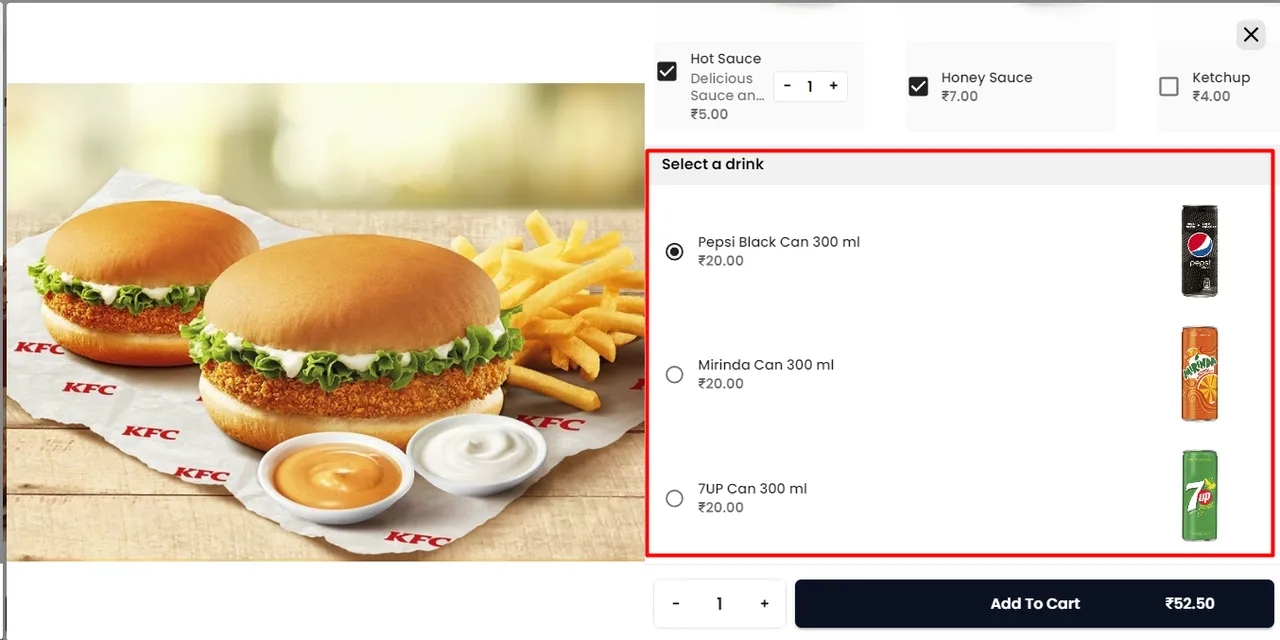
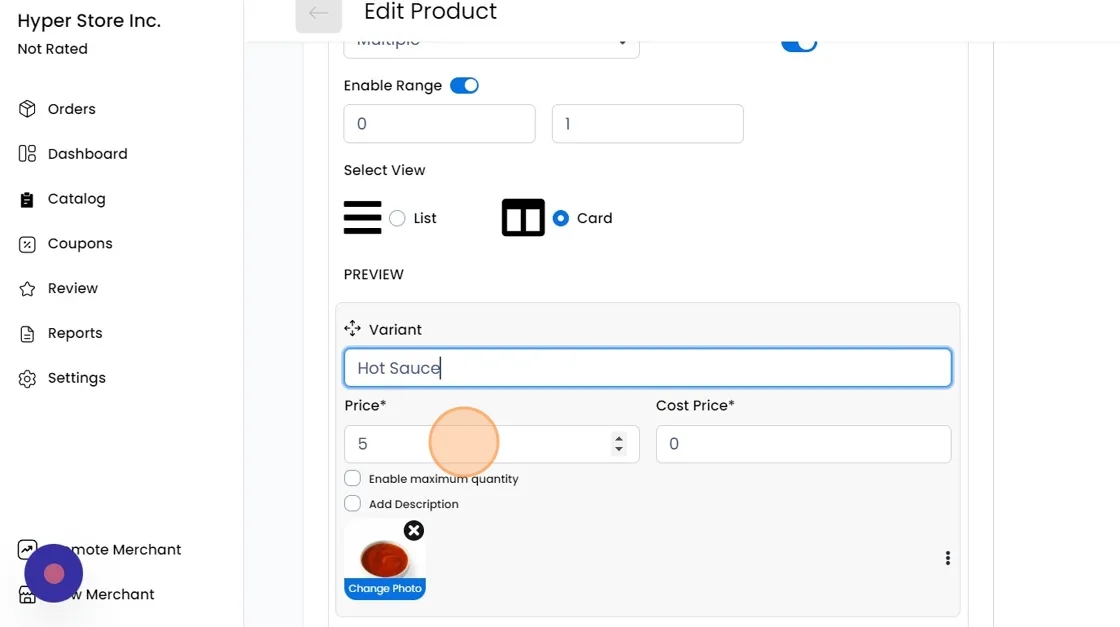
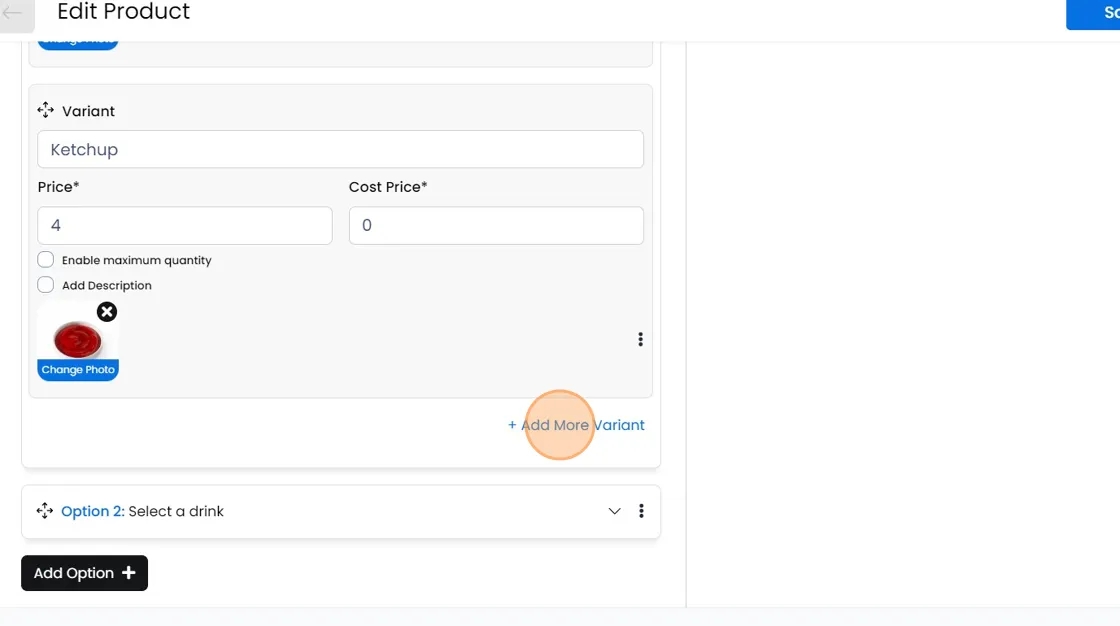
Variant Name: Now under this option, enter the name of the first variant, such as "Hot Sauce" for Sauces.
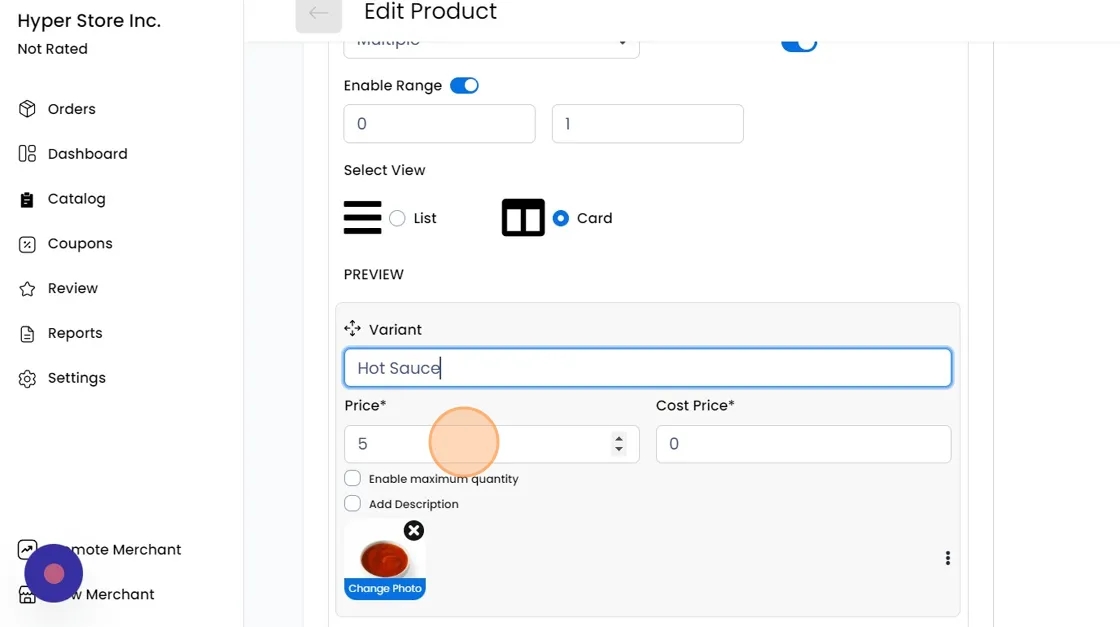
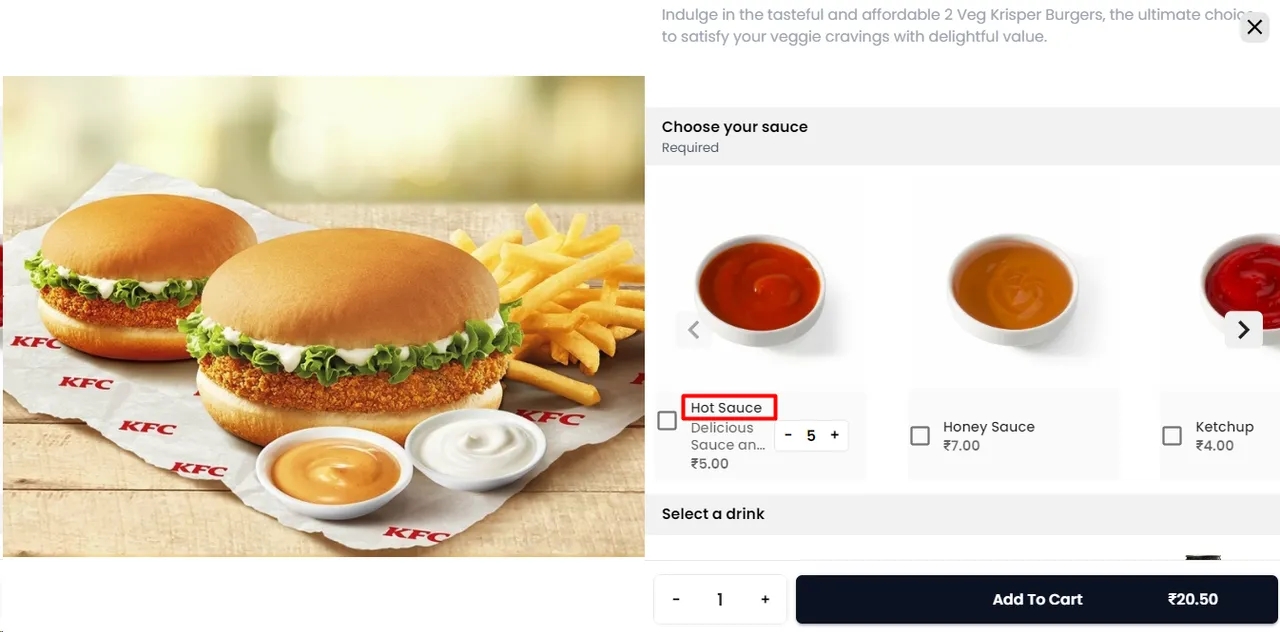
Price: Set the selling price for this variant, which will be added on top of the product's base selling price.
Cost Price: Enter the cost price of this variant, which will be used for internal profit calculations
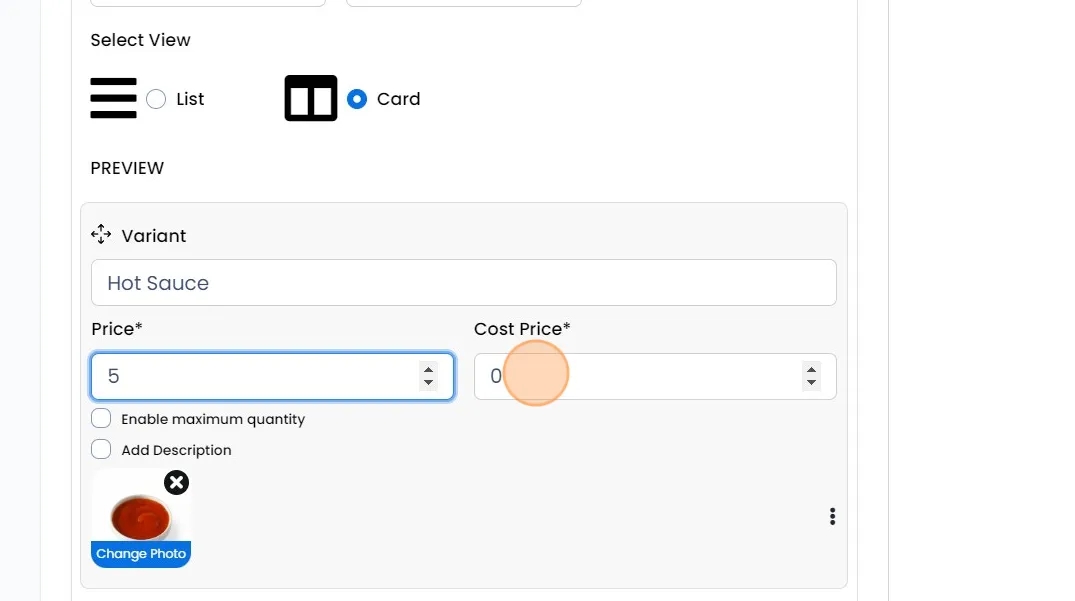
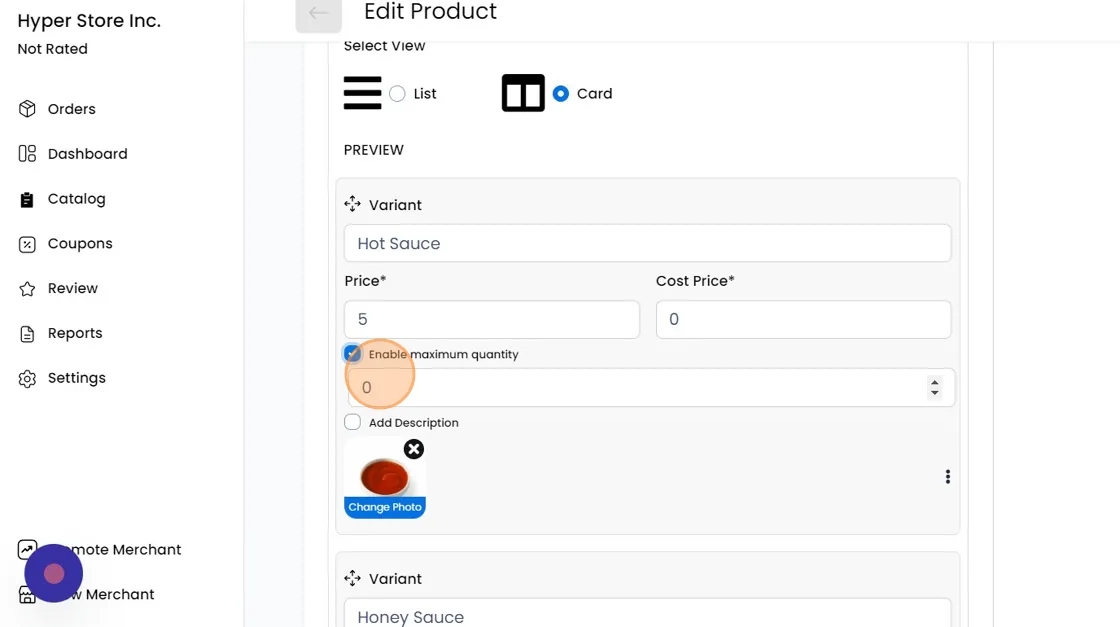
Enable Max Quantity: Specify the maximum quantity a customer can add for this variant.
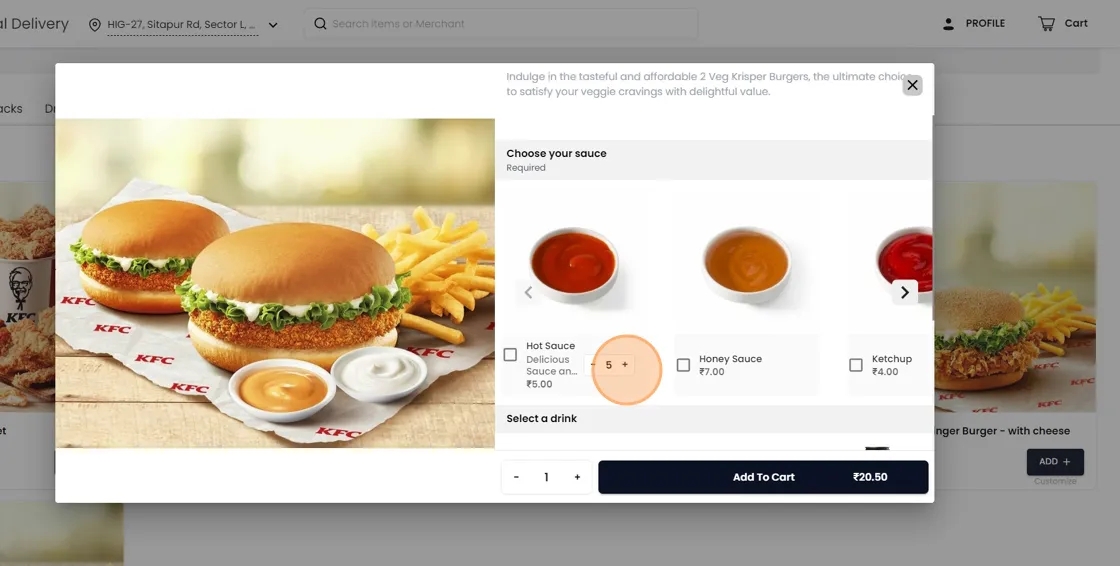
Description: Provide a brief description about this variant, highlighting its unique features or characteristics.
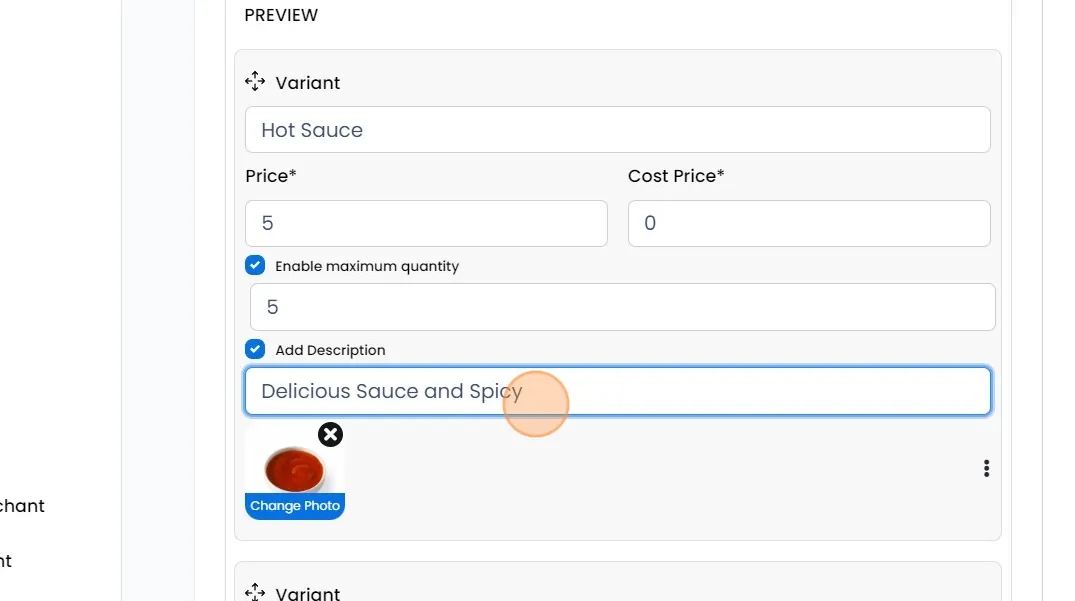
Image: Add an image for this variant. The required resolution is 50x50 pixels
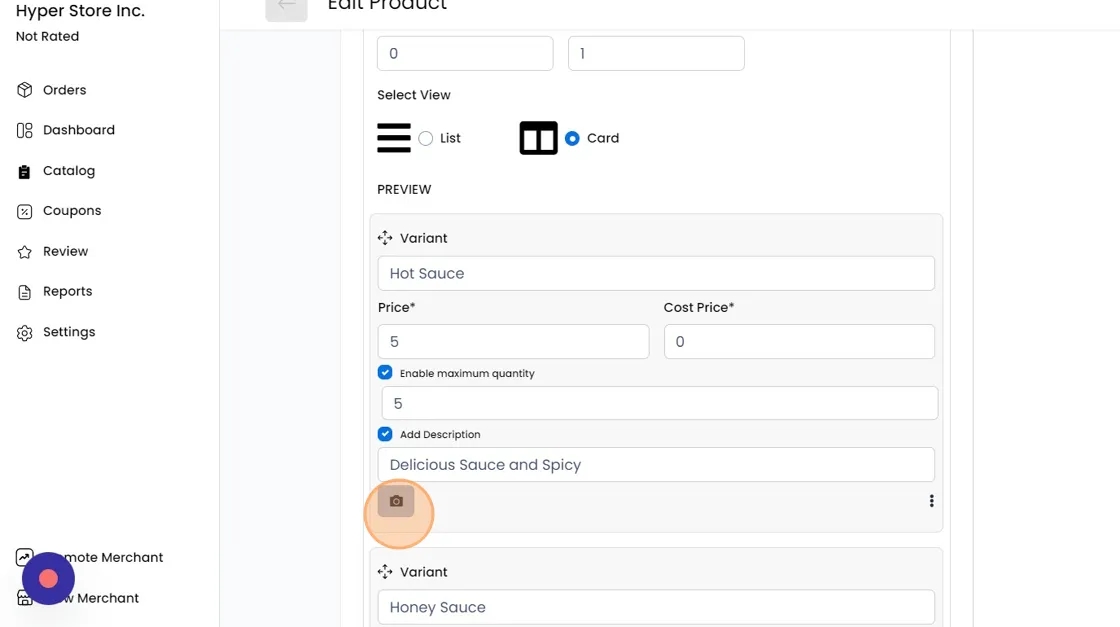
Click on "Add more variant" to similarly add more variants to this option
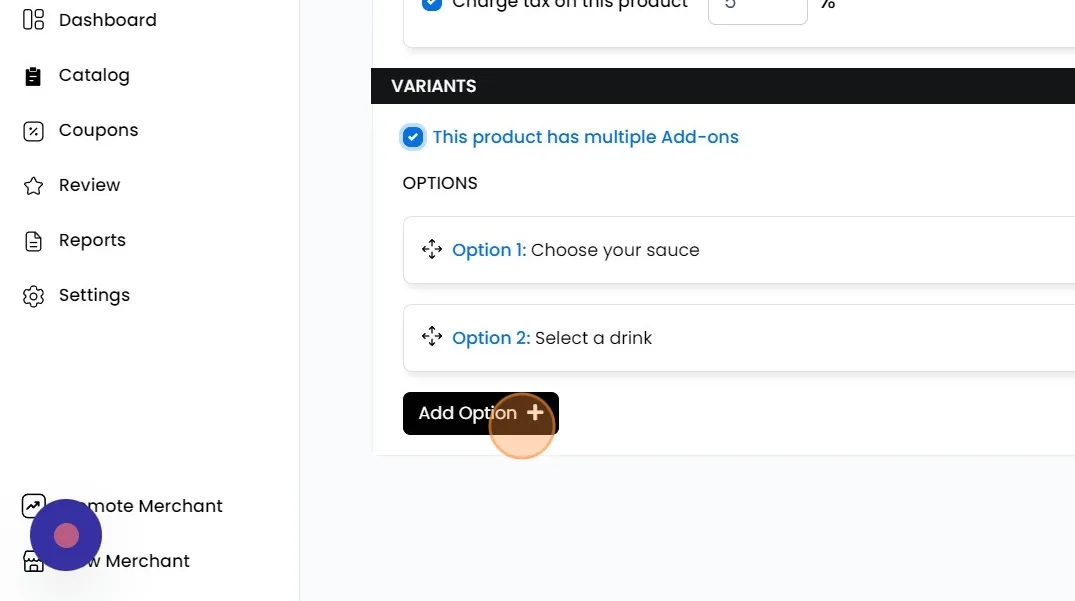
Similarly, click on "Add Option +" to similarly add more options to this product.
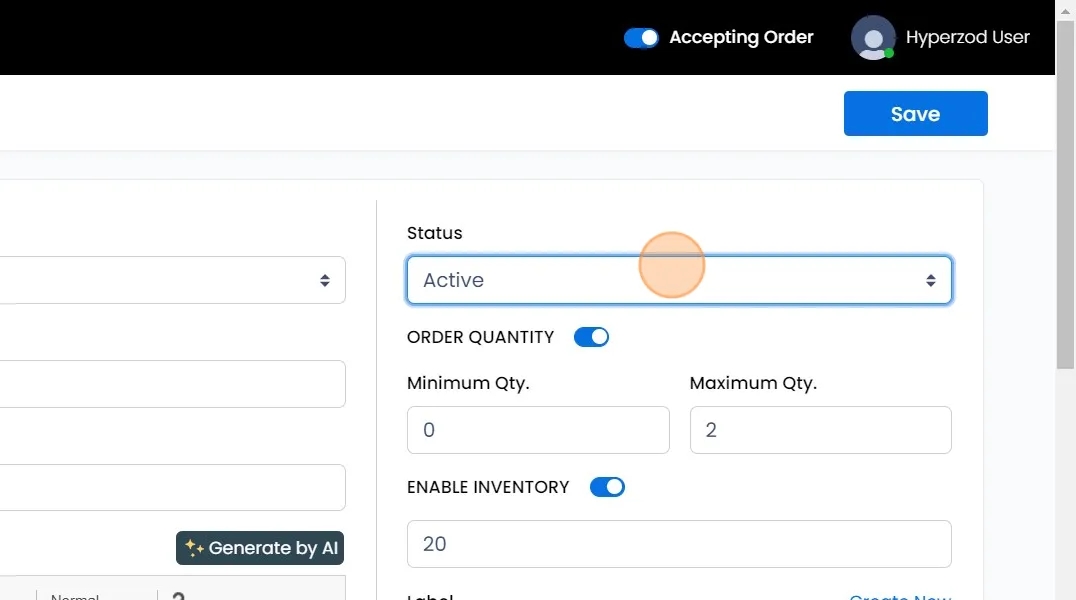
Status: Mark as active or inactive to respectively display or hide this product on the storefront.