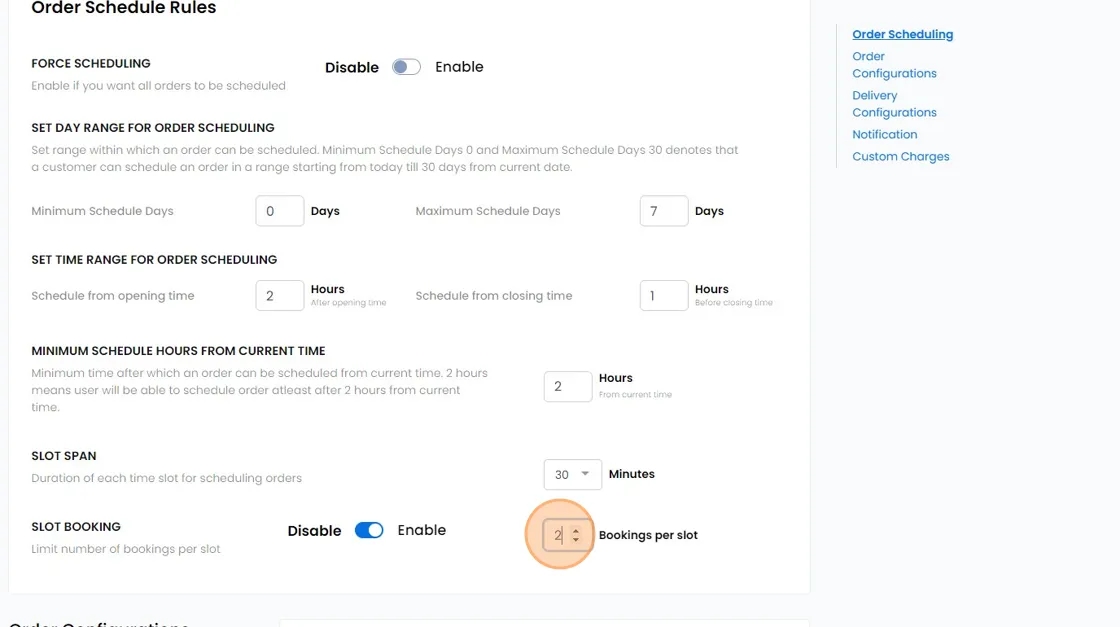
Force Scheduling
This setting requires customers to select a specific date and time for checkout rather than opting for instant fulfillment. It is particularly crucial for service merchants as it ensures better coordination and scheduling of appointments.
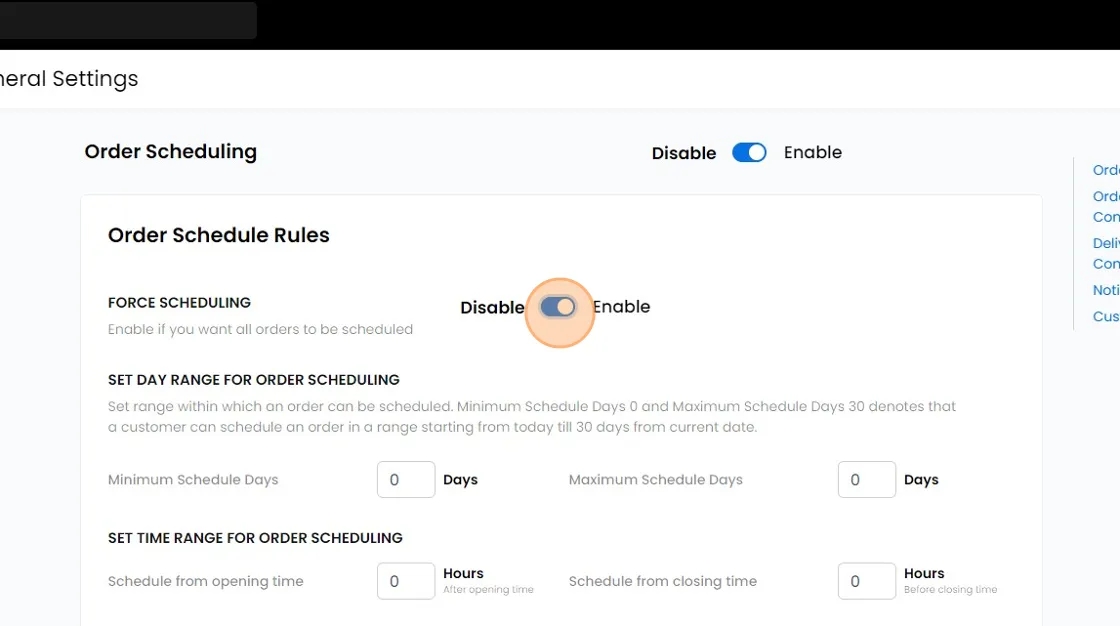
Set Day Range For Order Scheduling:
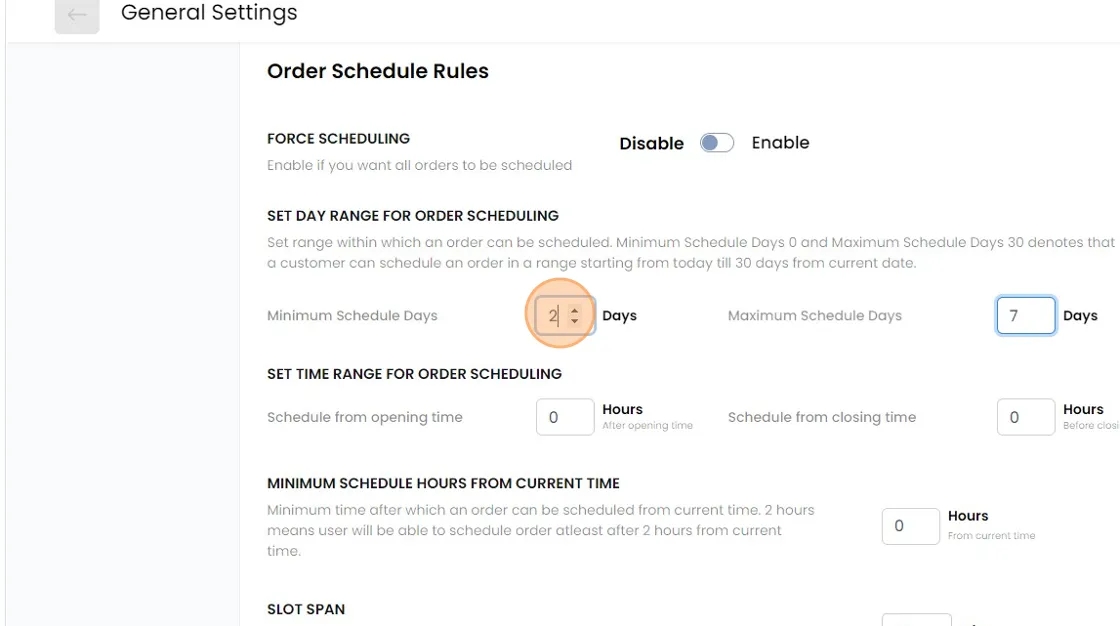
Minimum Schedule Days This setting allows you to establish the minimum advance notice required from the current date for scheduling orders. For instance, if you set this to 2 days, customers placing orders today must select a date at least 2 days in the future.
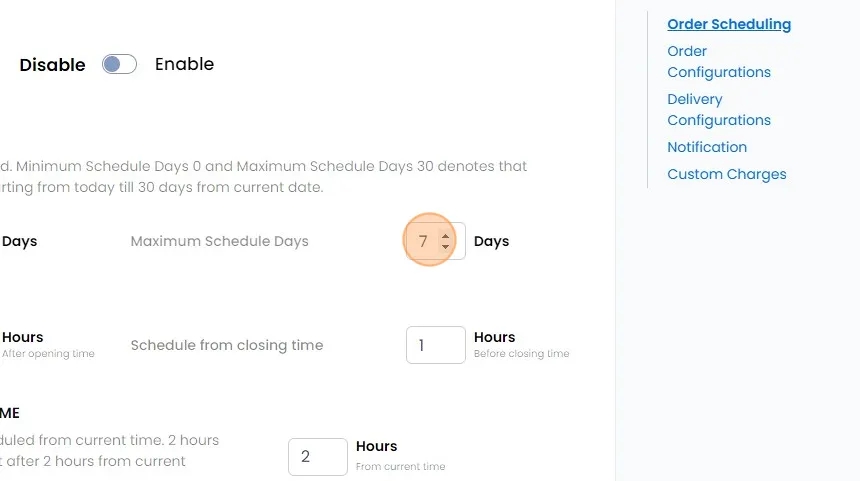
Maximum Schedule Days This setting enables you to define the maximum number of days customers can choose from the current date. For example, if set to 7 days and the minimum schedule days was set to 2, customers will have 5 days to choose from after the initial 2-day period.
Set Time Range for Order Scheduling:
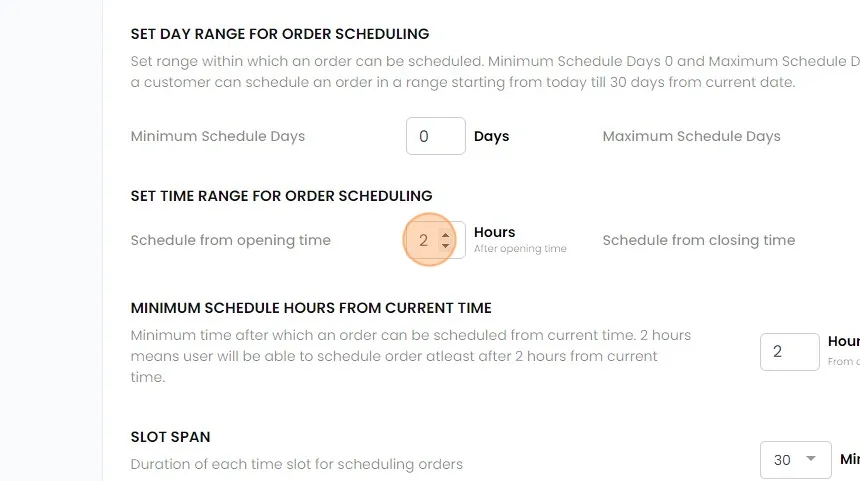
Schedule from opening time. This parameter specifies the minimum amount of time required from your store's opening time for each scheduling day.
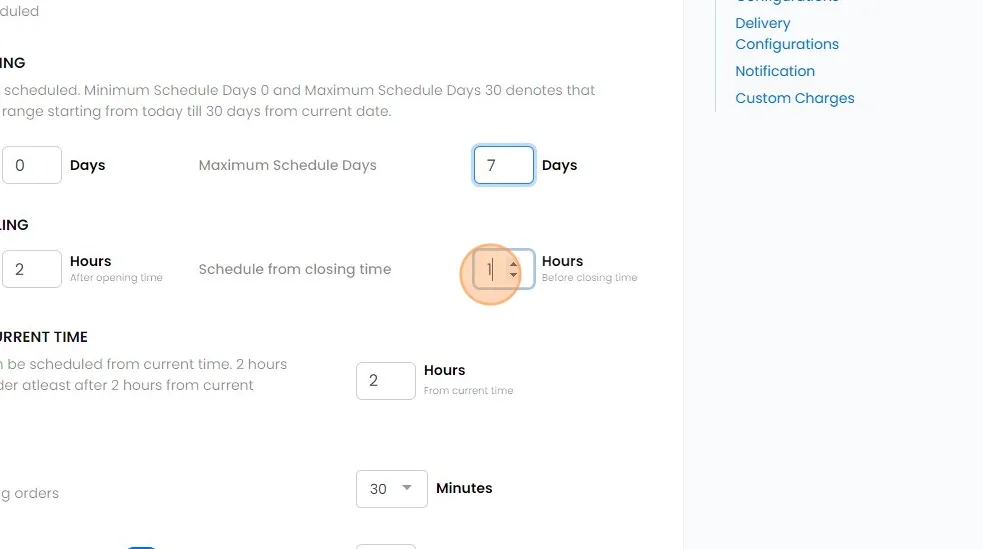
Schedule from Closing Time Similar to the above, this parameter determines the minimum time required from your store's closing time for each scheduling day.
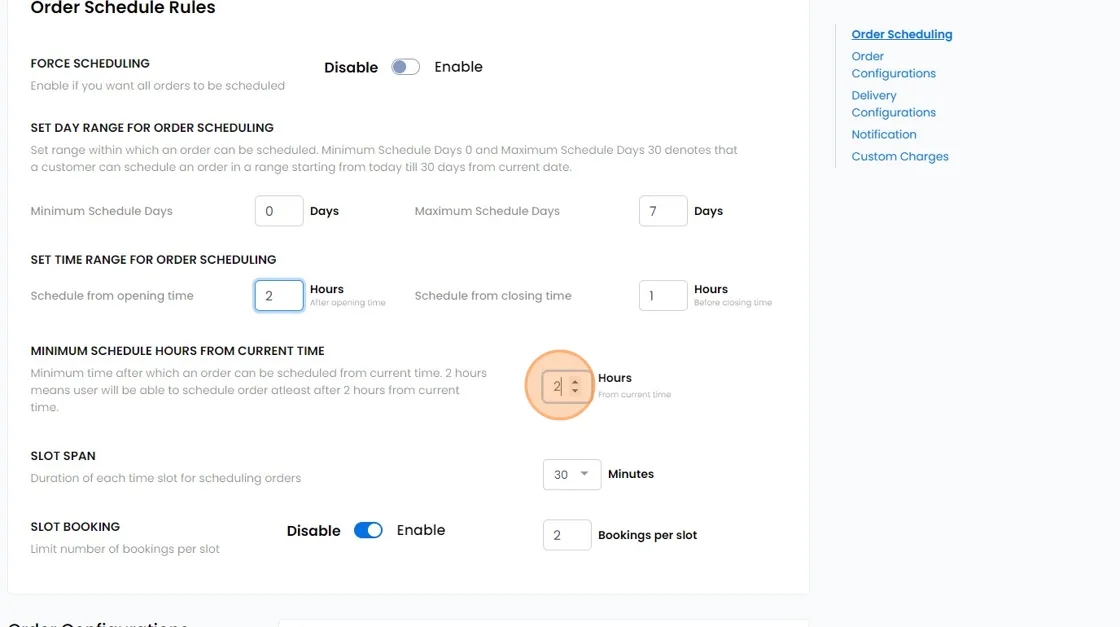
Minimum Schedule Hours from Current Time: This criterion establishes the minimum duration required from the current time of customer order placement for same-day scheduling, accounting for the Minimum Schedule Days set to 0 above.
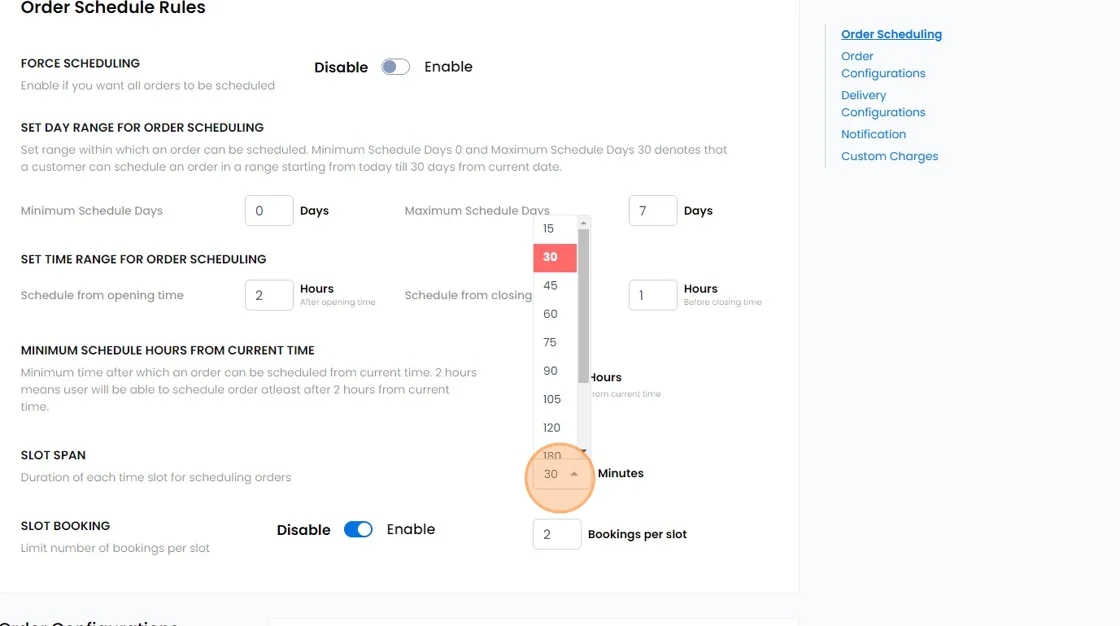
Slot Span: Allocate availability in predetermined time slots based on the duration required to complete each booking. For example, if each booking takes 30 minutes, distribute availability in 30-minute slots for customer selection.
Slot Booking: Activate this feature to allow multiple bookings within each time slot. For example, if two bookings are permitted per 30-minute slot, once two bookings are made for a specific time slot, it becomes unavailable for additional bookings.