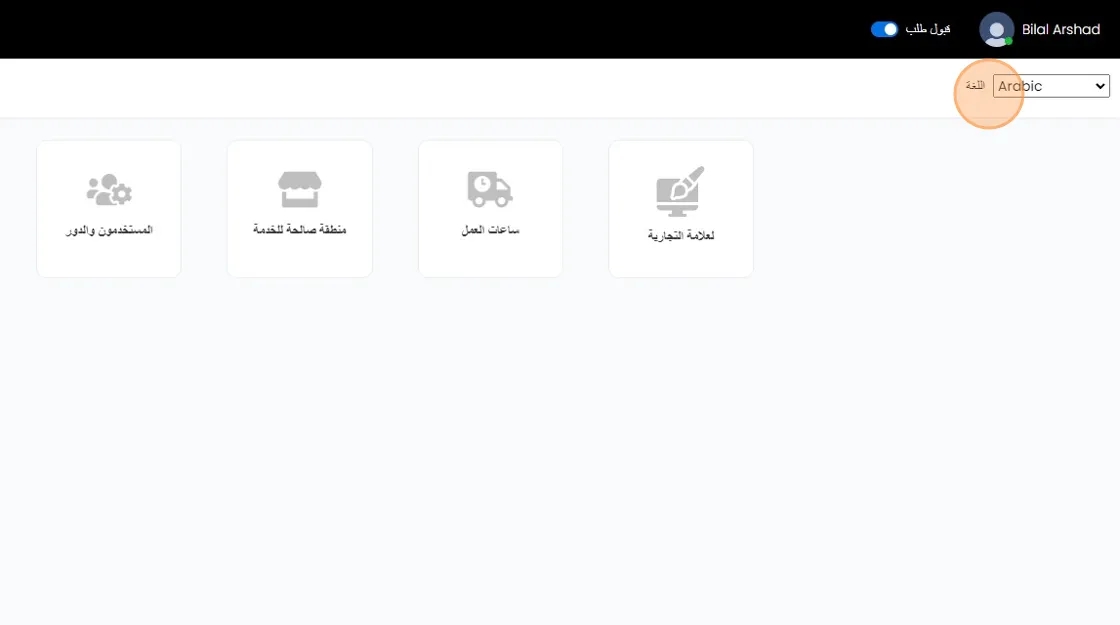
Translate Vendor Settings
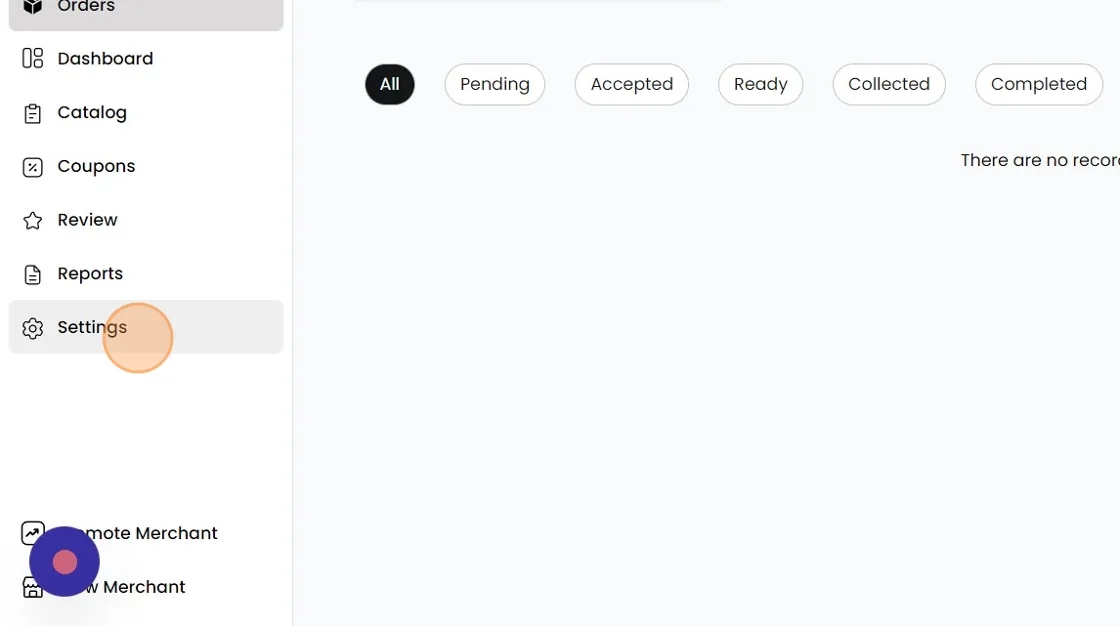
To the left, click on "Settings"
Then, from the top right corner, select "Select Language"
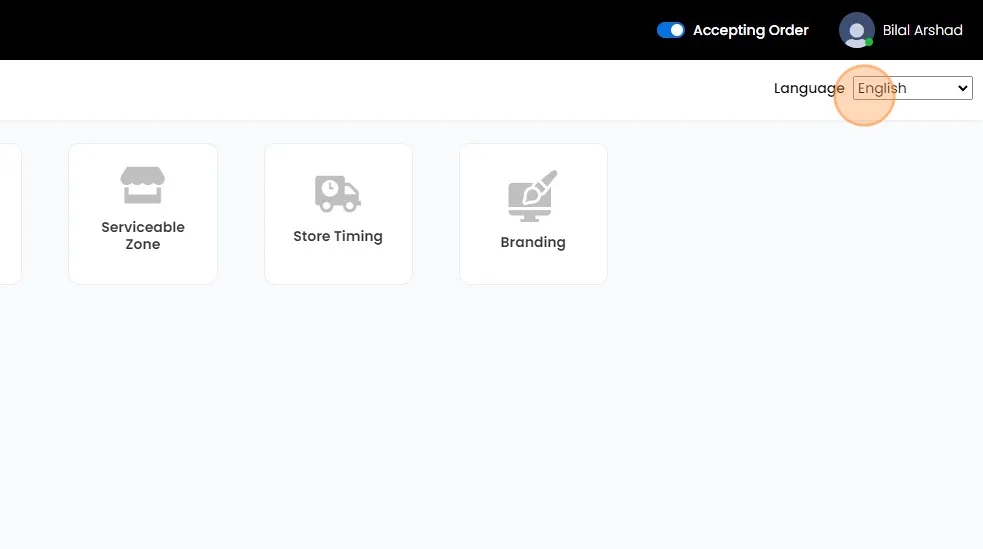
Choose the desired language from the available options, and the Merchant panel will be translated accordingly. If you are unable to find your language, please contact our Hyperzod support.