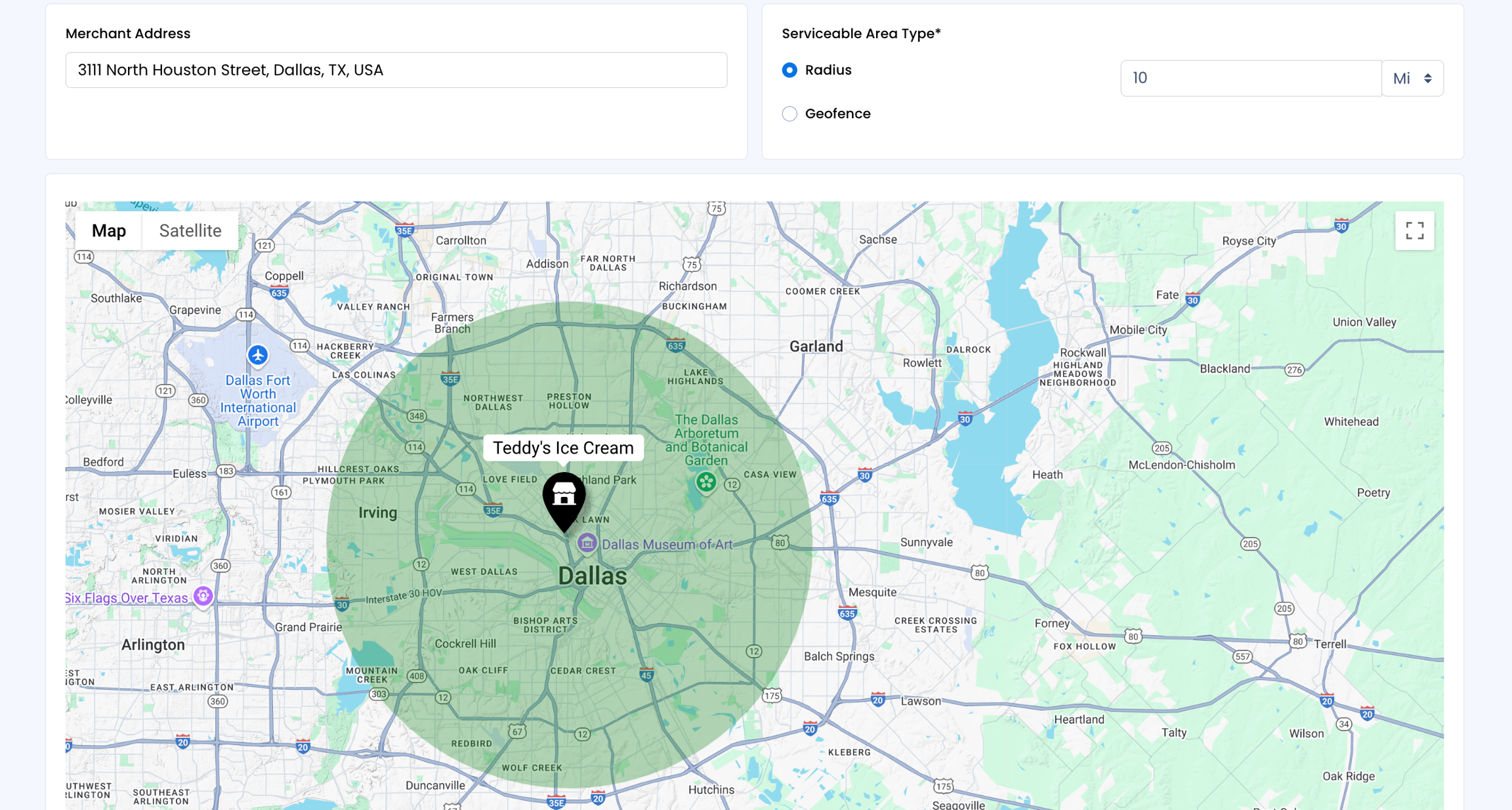
Serviceable Zone
This feature empowers vendors with granular control over the areas they wish to serve their customers. As a vendor, you can define your serviceable zones within the global framework set by the administrators. This ensures alignment with top-level hierarchy control while enabling you to tailor your services to specific geographic regions.
Note: Customers falling within these designated areas can view and access the merchant's store, while it remains hidden from those outside the specified serviceable zones.
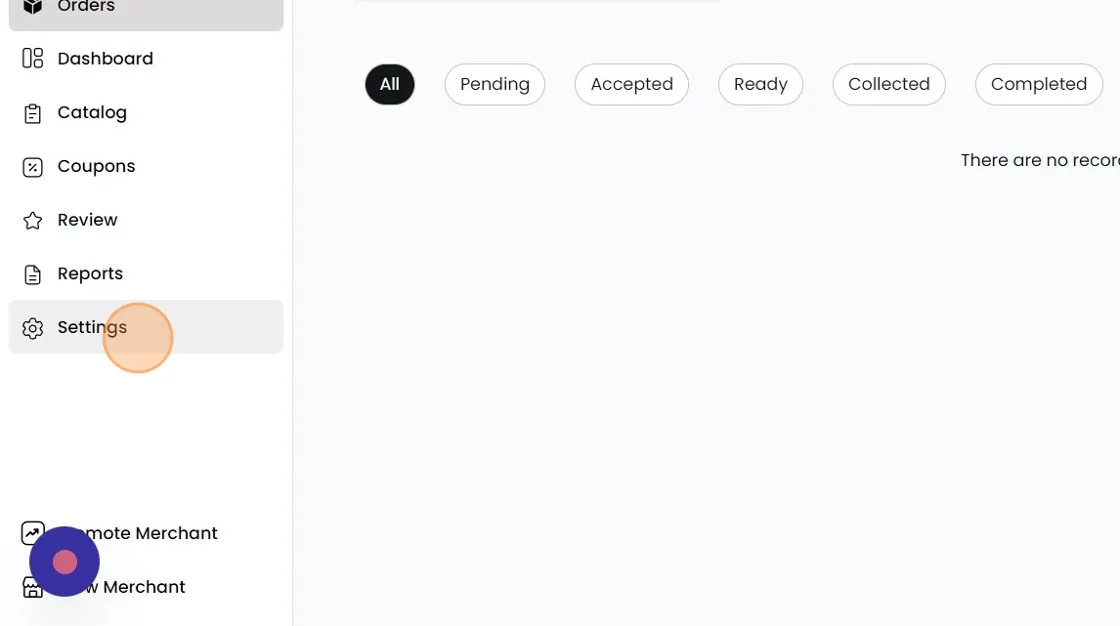
To the left, click on "Settings"
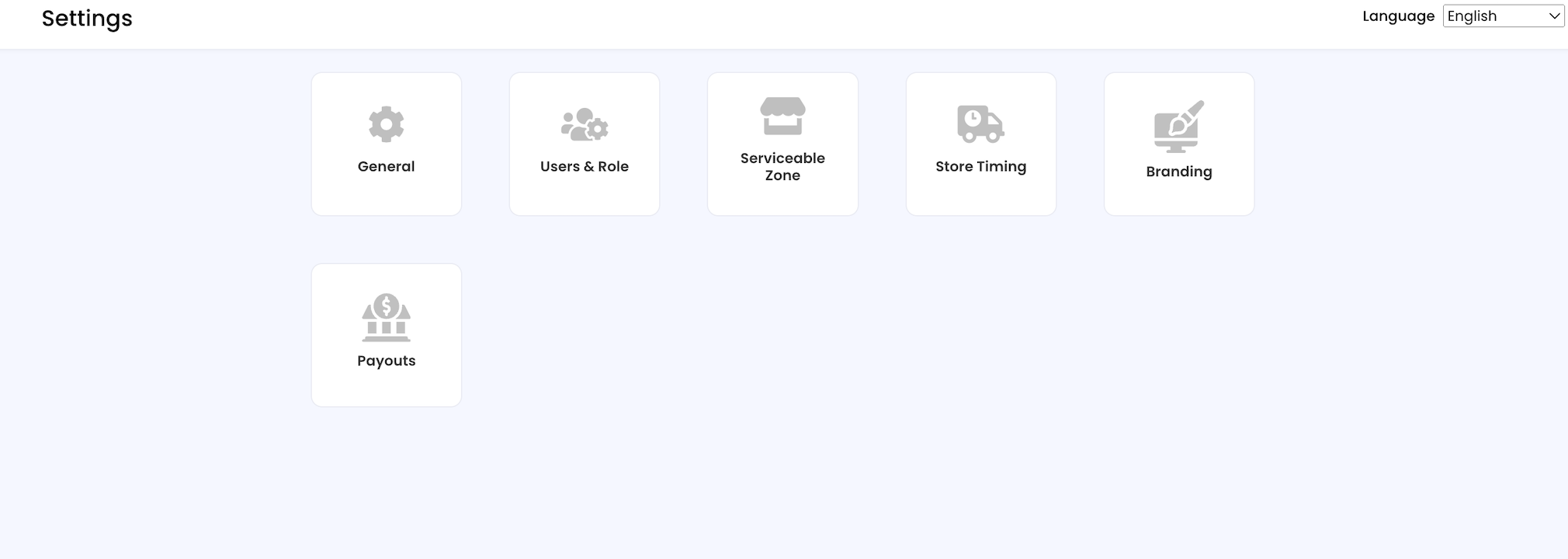
Then click "Serviceable Zone"
Creating Serviceable Zone
Address: Use the search bar to find your location. Select the desired result from Google Maps. Your address can be changed at any time for any event.
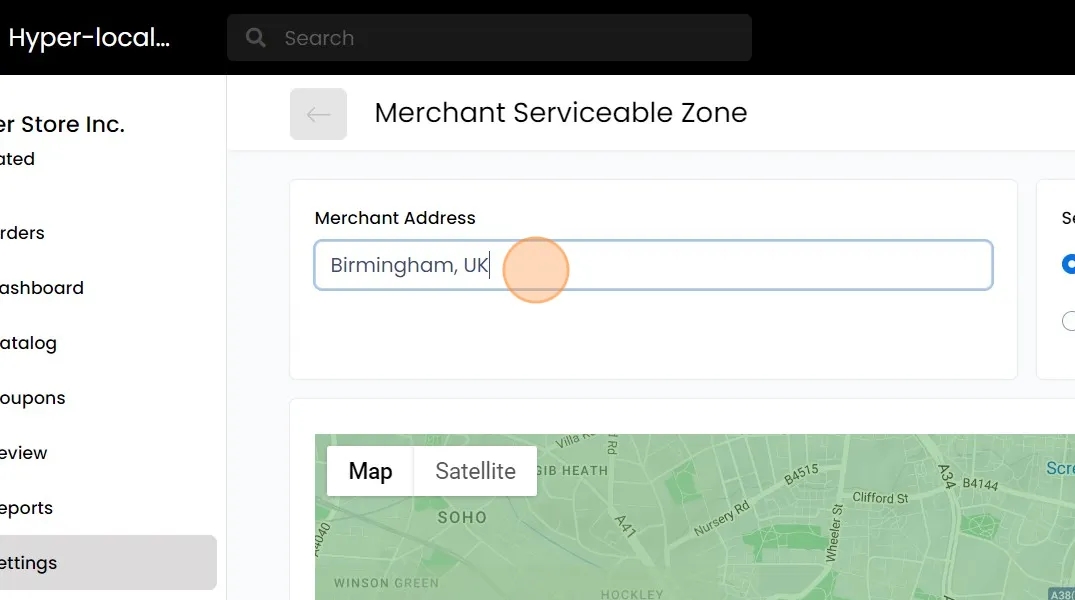
Set Marker: Drag and drop the marker on the map for precise location.
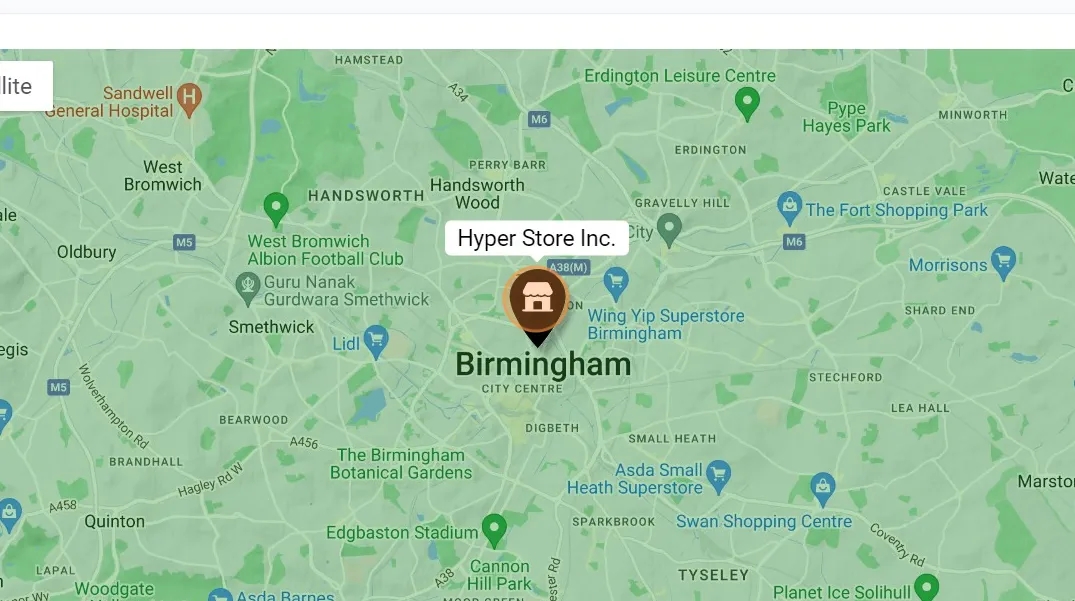
Zone
Radius: SSNATCH automatically sets the distance to 10 or 15 miles based on the delivery partners set for your store. A raidus circle is drawn from your marker point.